Gateway Status Overview
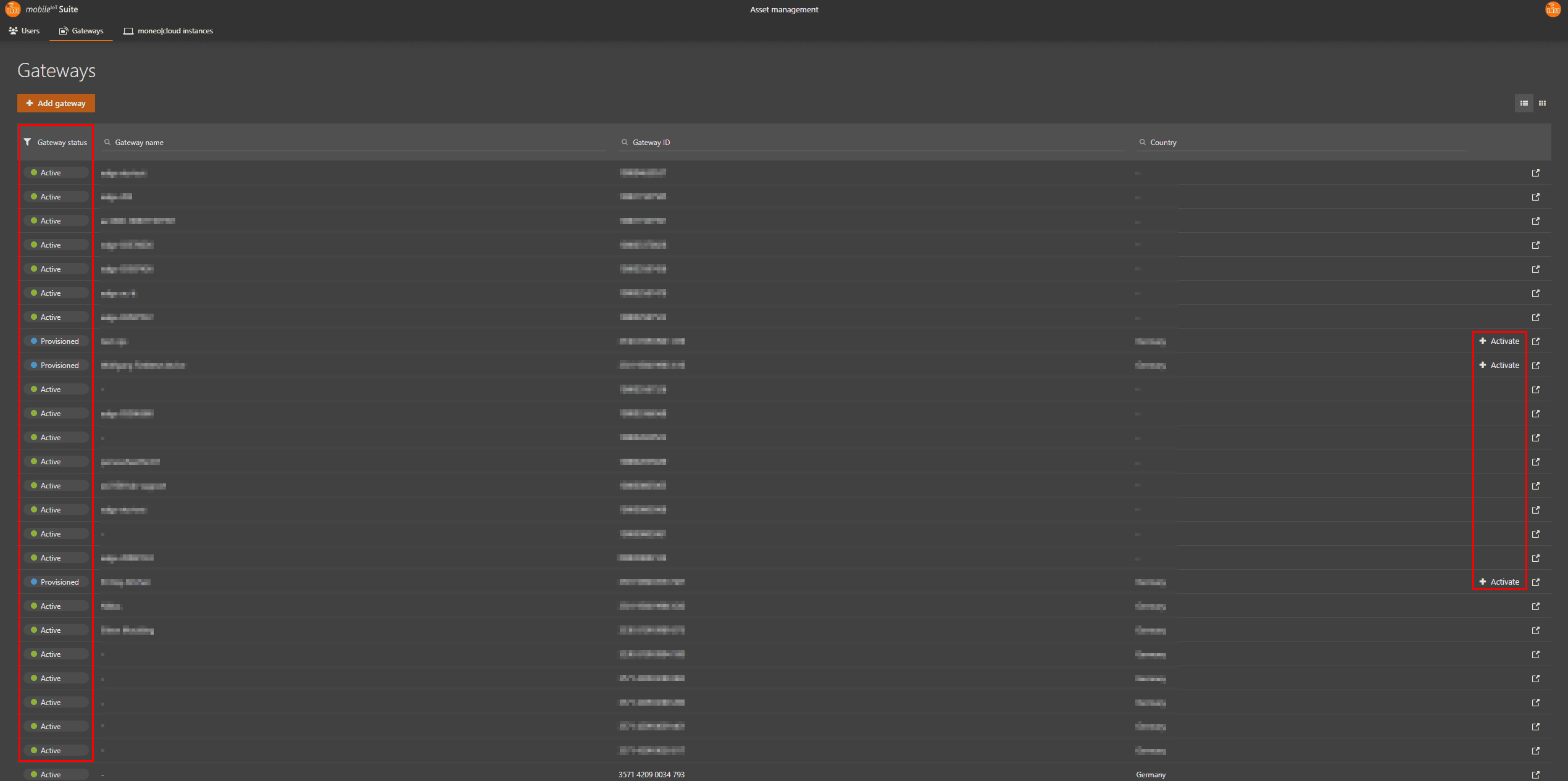
The gateway is fully operational. All required services for data transmission are running. No action is needed.
The gateway is preparing its necessary services. Once setup is complete, the status will automatically change to Active. No manual action is required during this phase.
The gateway is ready for activation. The Activate button will appear in the same column, allowing you to start a new runtime. Action required: Click Activate to begin the active phase. (Only for io-key available)
Indicates a technical defect in the gateway. This status is set manually by ifm. If you see this status, please contact ifm support for assistance.
The activation process was unsuccessful. ifm support is automatically notified and will resolve the issue. No immediate action is required from your side.