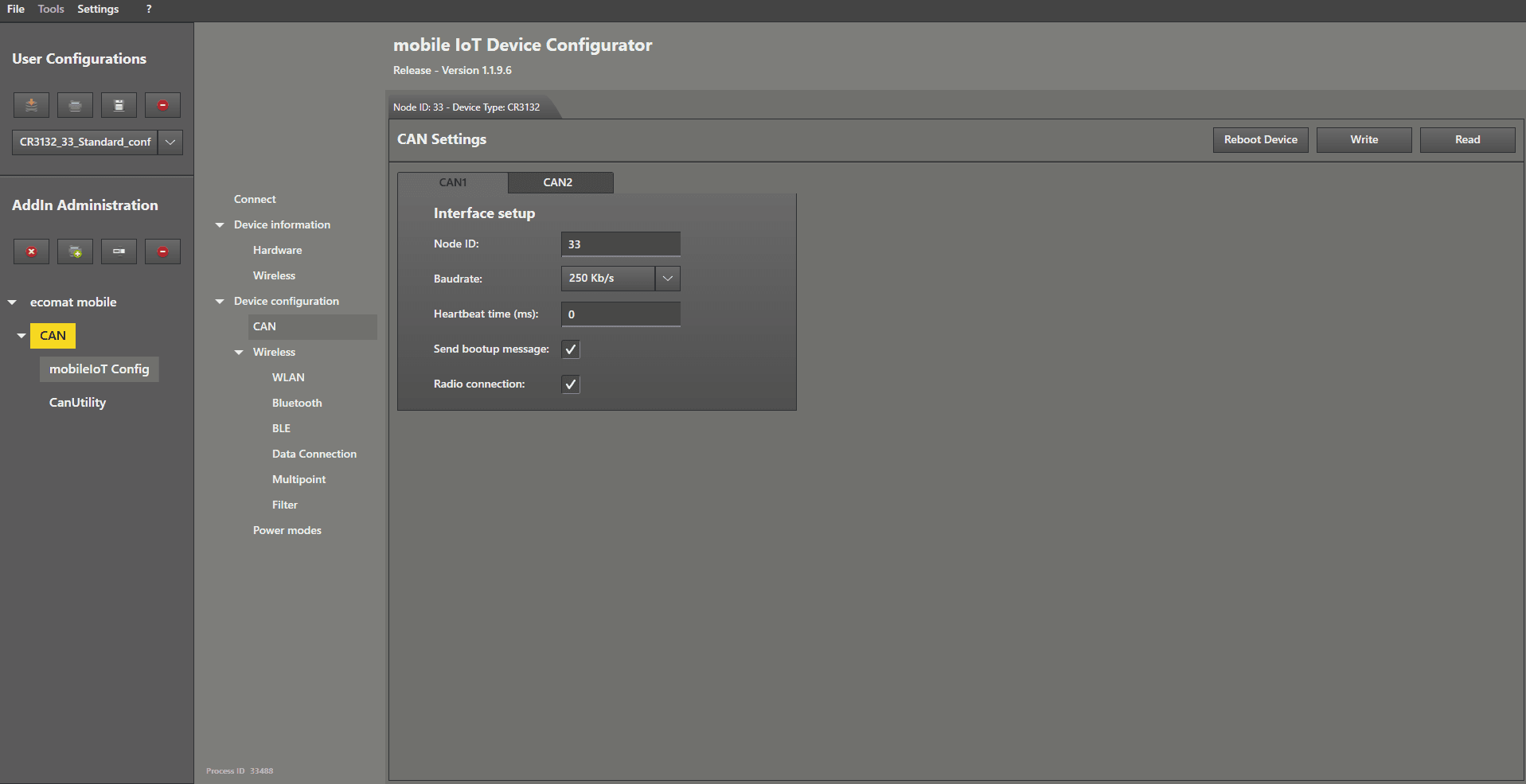
This guide explains the functions available in the “ CAN ” tab and the settings you can adjust there.
To enter the CAN settings of the CANwireless, left mouse click on “ CAN ” in the menu.
Here you can adjust the Node ID , the CAN‑Bus baud rate , the heartbeat , the boot‑up message , and the radio connection for CAN channel 1 " CAN1 " and CAN channel 2 " CAN2 ".
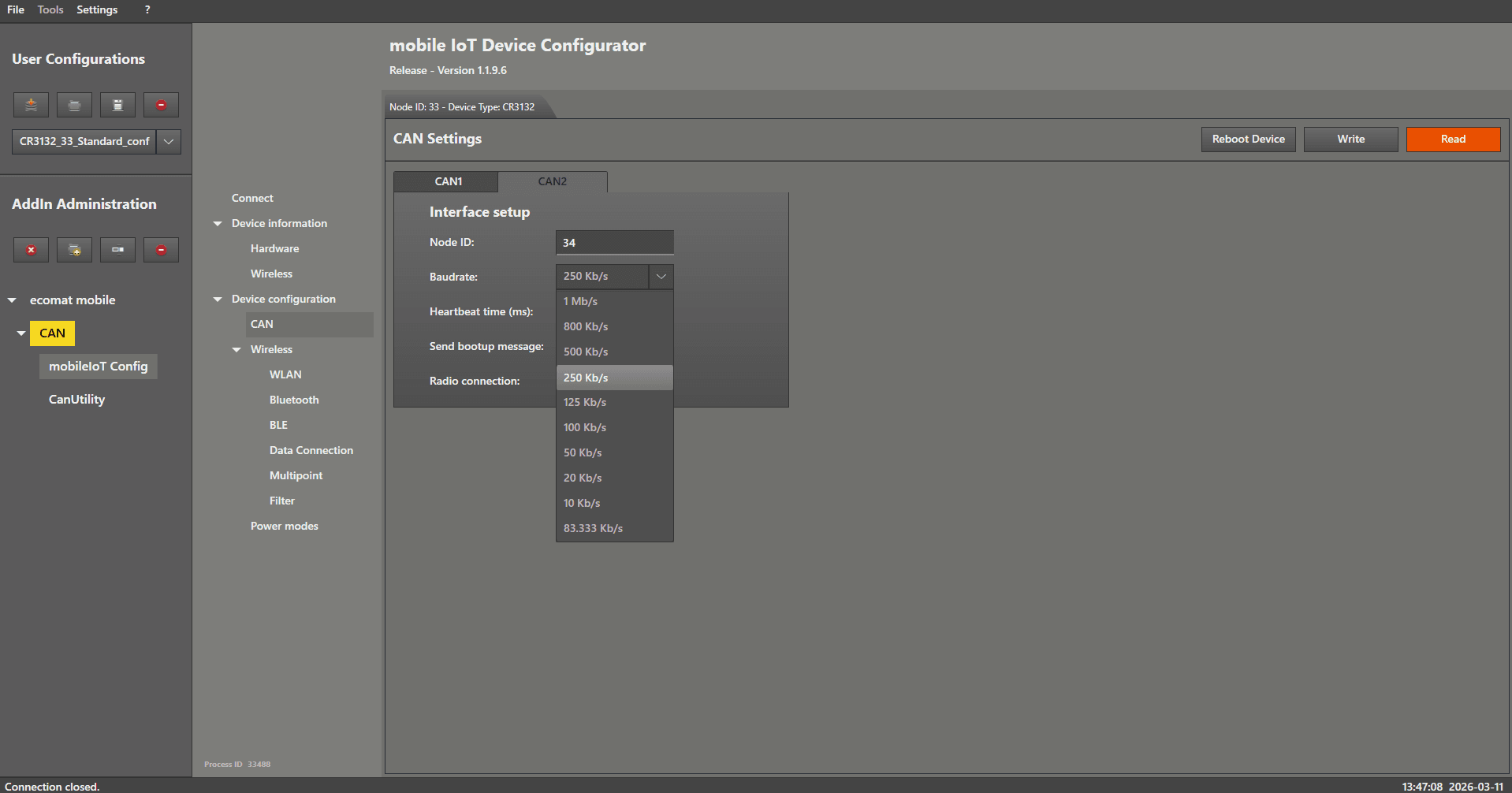
To change the baud rate, left mouse click on the dropdown menu on the right-hand side of the label “ Baudrate ”.
Select the desired baud rate by left mouse clicking on it, then confirm the change by left mouse clicking on “ Write ”.
The baud rate change will take effect after a device reboot .
You can reboot the device by left mouse clicking on the “ Reboot Device ” button in the top right corner of the settings tab.
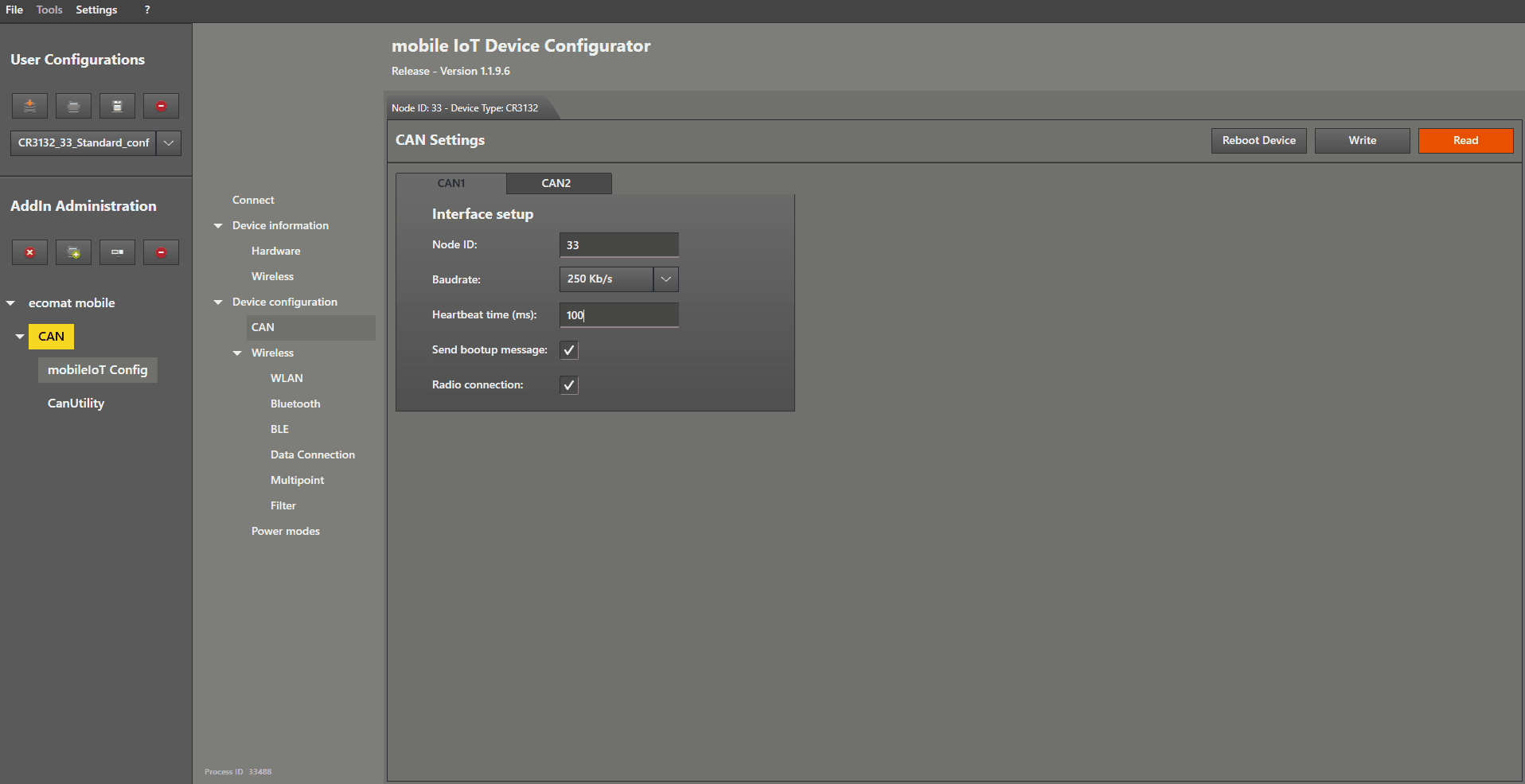
To enable the heartbeat, left mouse click in the text field on the right-hand side of “ Heartbeat time (ms) ”.
Enter a value greater than 0 to activate the heartbeat.
The heartbeat change will take effect after a device reboot .
You can reboot the device by left mouse clicking on the “ Reboot Device ” button in the top right corner of the settings tab.
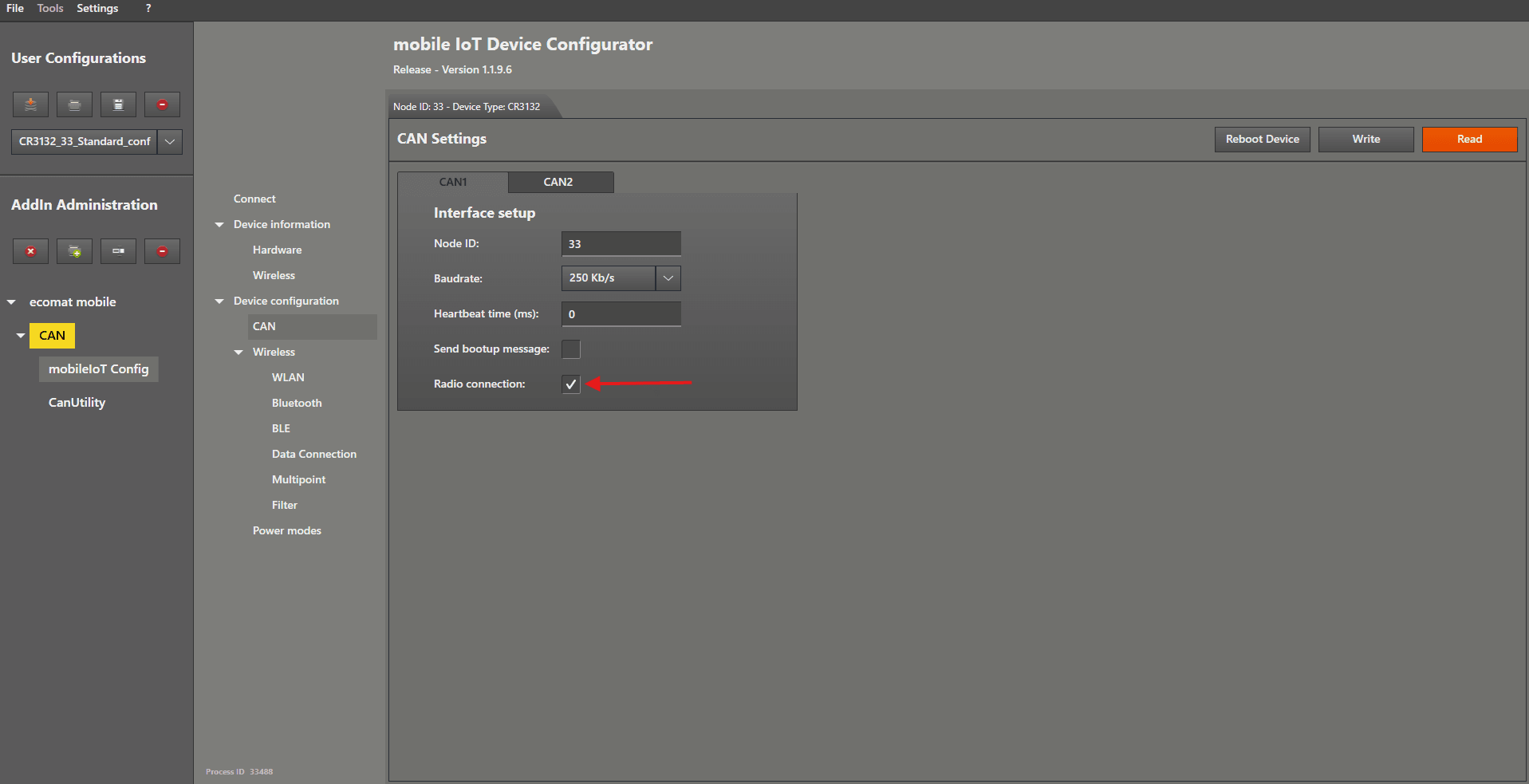
The boot‑up message and/or the radio connection can be enabled by checking the box on the right-hand side of “ Send bootup message ” and/or “ Radio connection ”.
The changes to the boot‑up message and/or radio connection will take effect after a device reboot.
You can reboot the device by left mouse clicking on the “ Reboot Device ” button in the top right corner of the settings tab.
If you disable the radio connection, no CAN messages will be sent out over the radio interface.