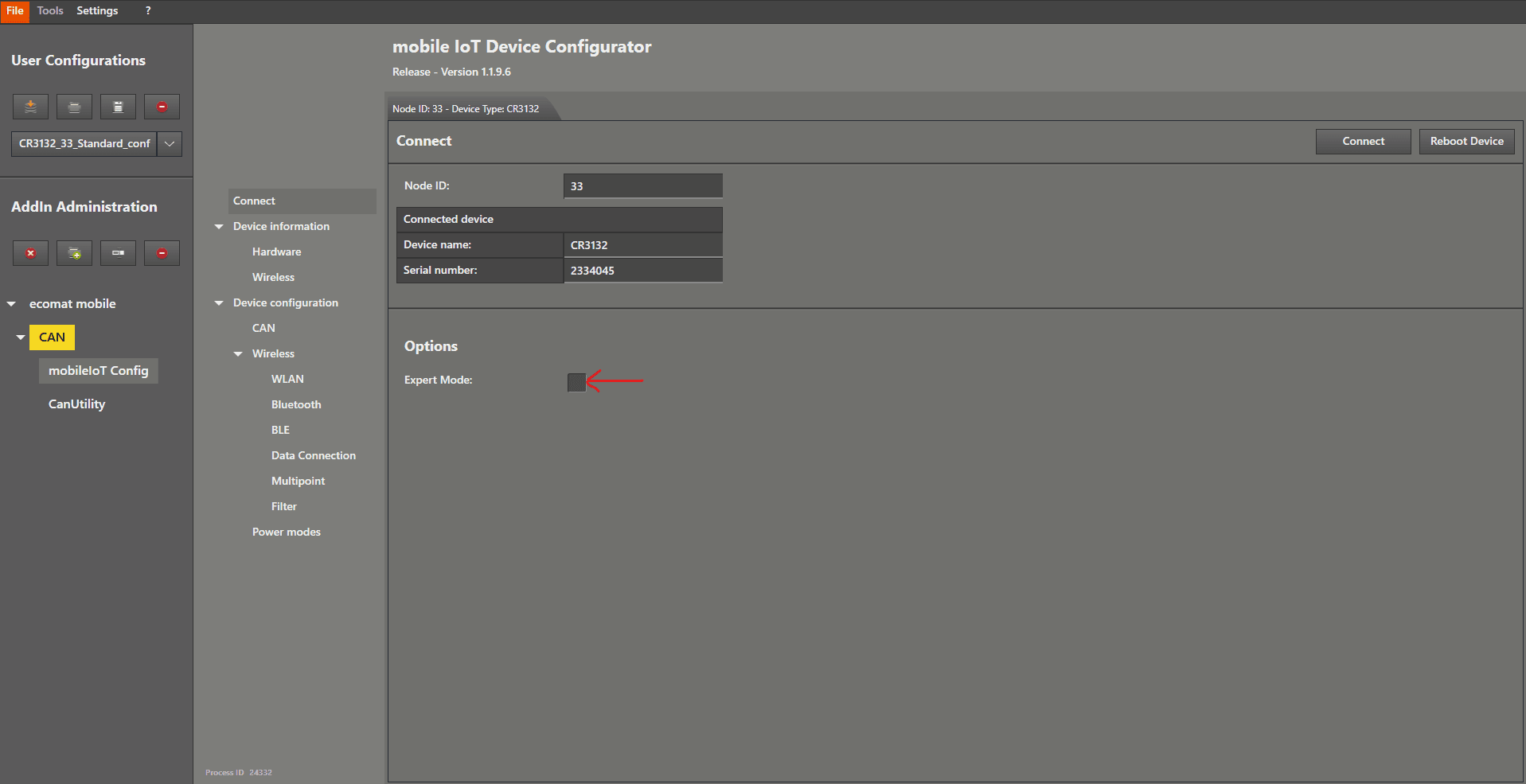
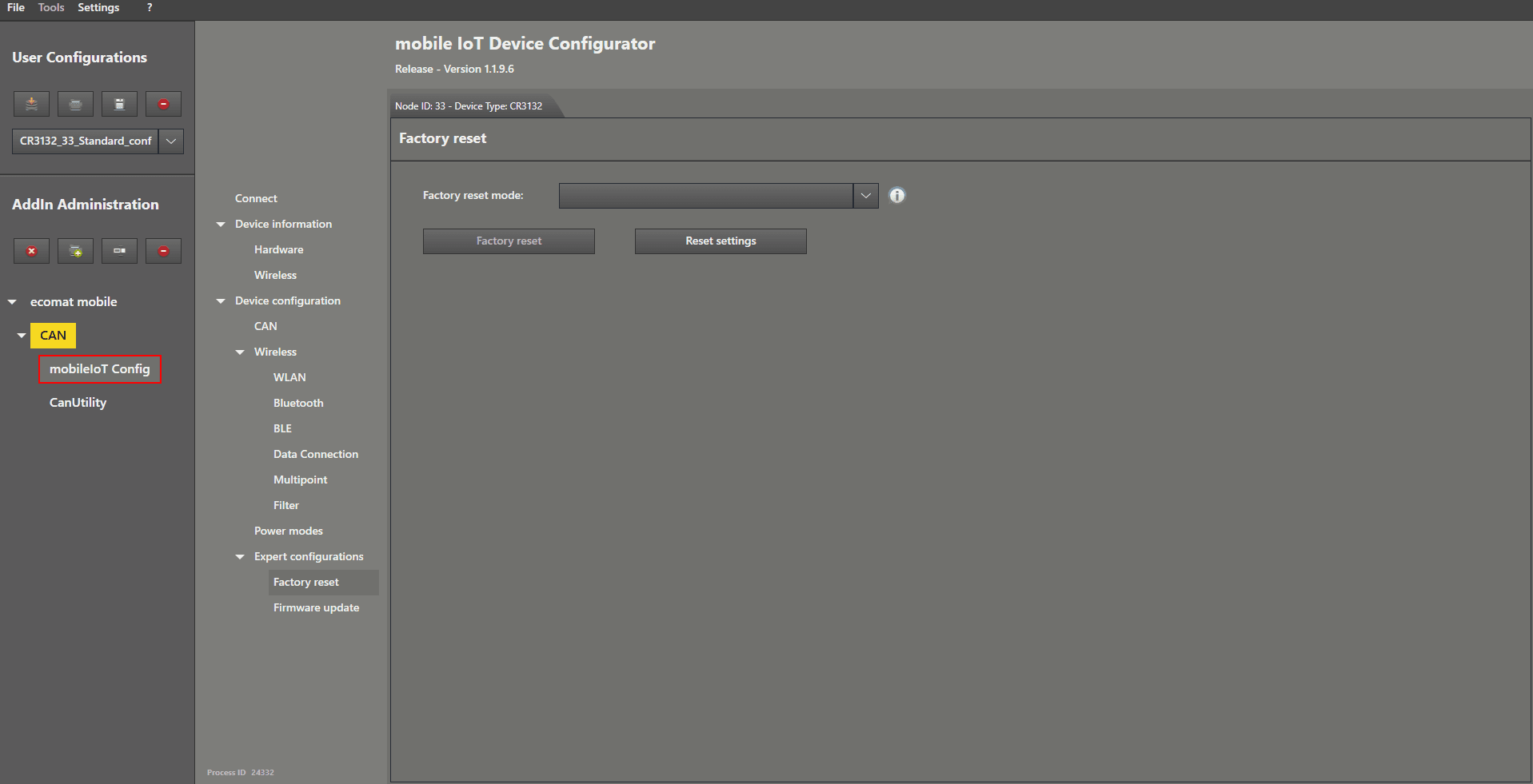
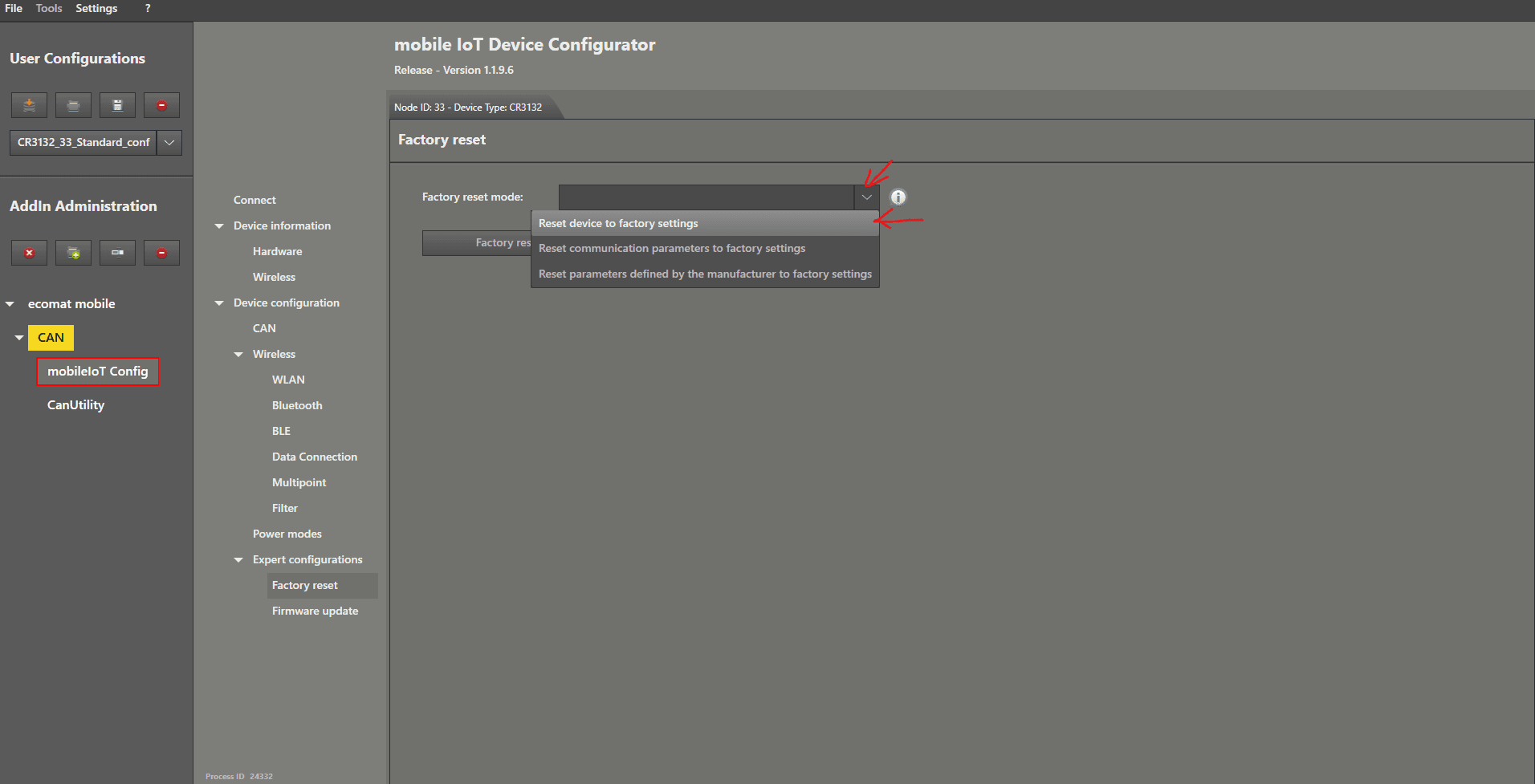
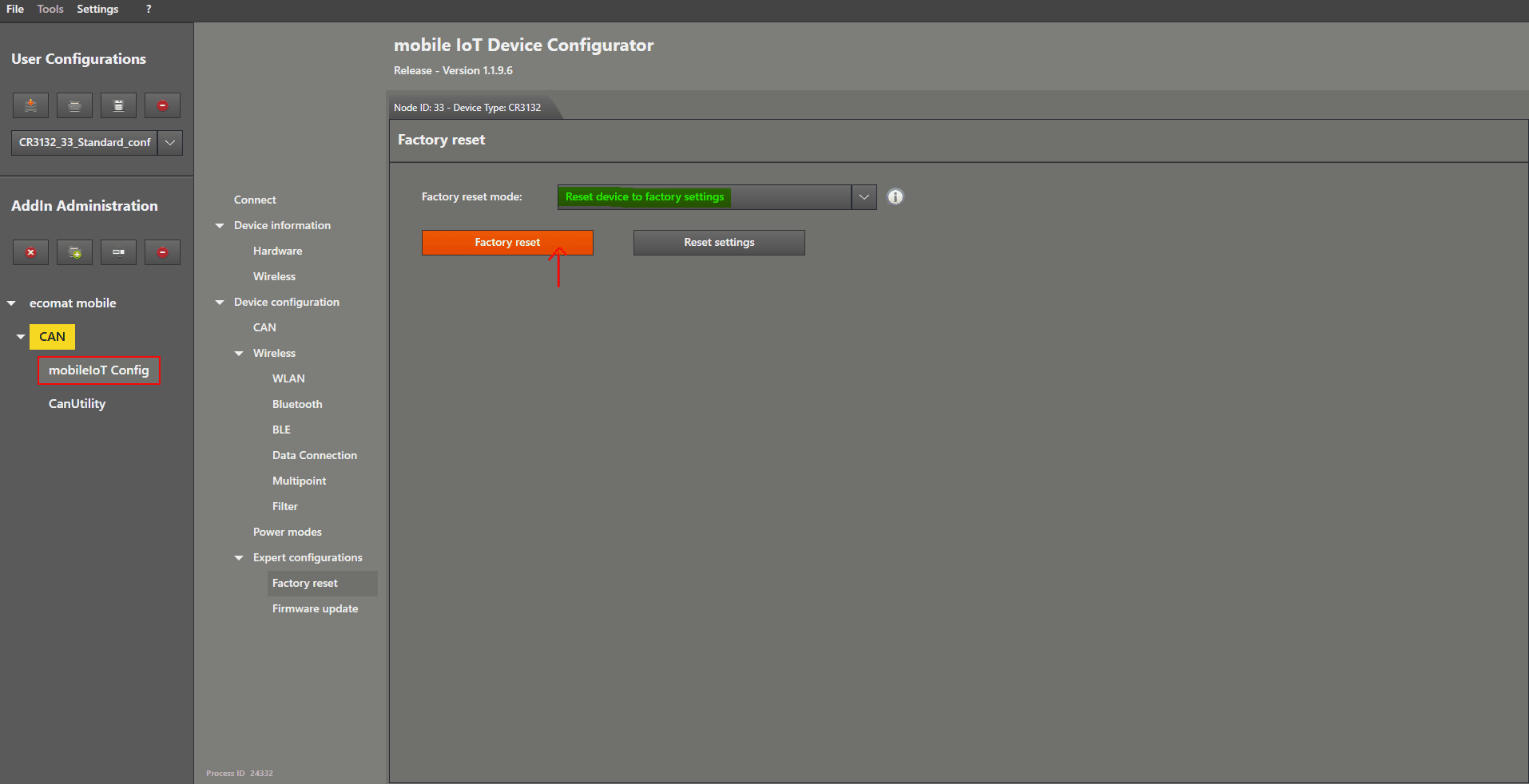
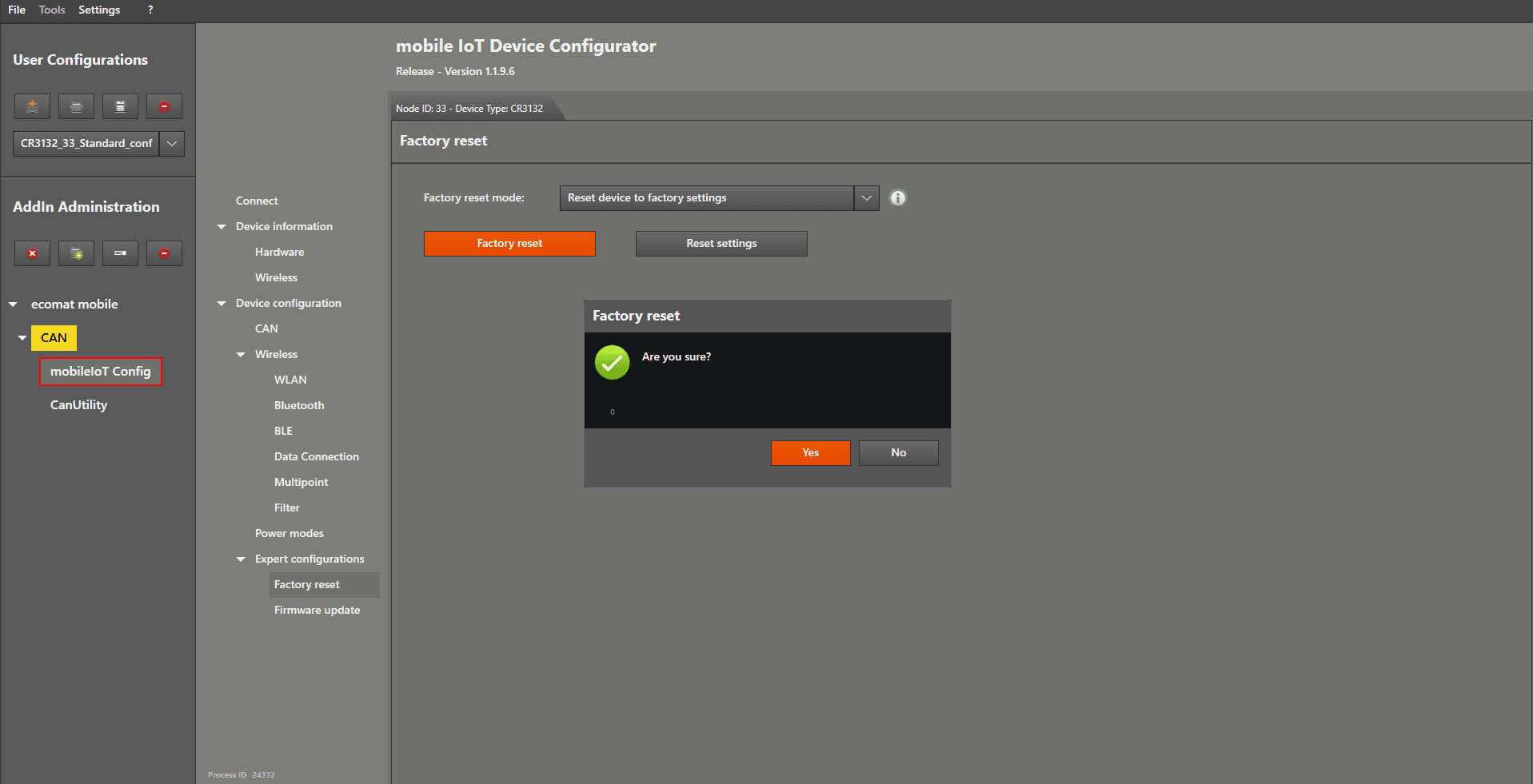
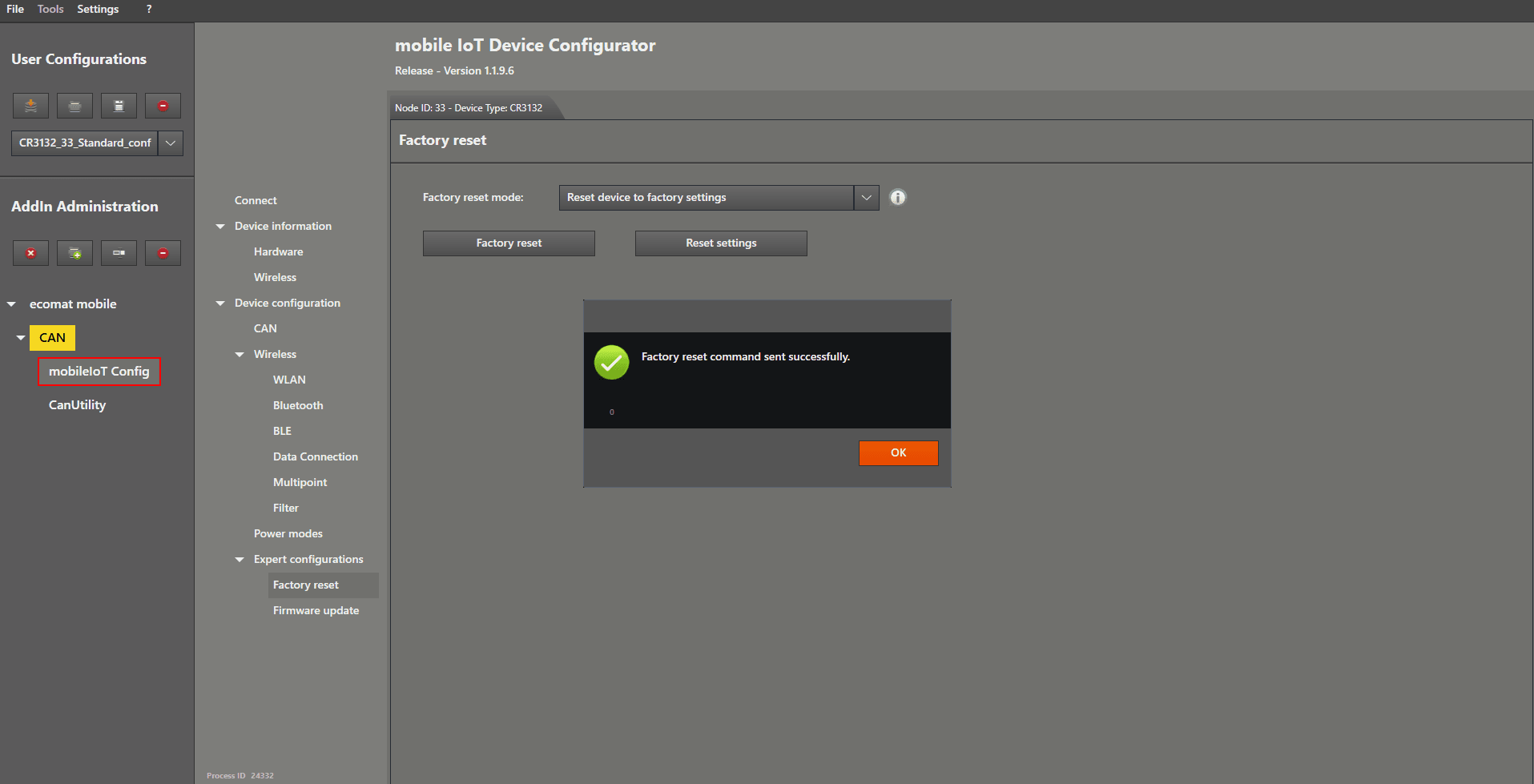
Factory Reset This guide is how to perform a factory reset Start by connecting the device. After you have connected the device properly, enable “Expert Mode” by ticking the checkbox. Now there are additional options available in the menu. Left mouse click on “ Factory reset ” to open the settings. Now we choose the reset type in the device by left mouse clicking on the dropdown menu on the right‑hand side of “ Factory reset mode ”. Select “ Reset device to factory settings ”. Left mouse click on the “Factory reset” button. A window will pop up asking if you are sure. Click “ Yes ” to continue. Your device is now back to factory settings.