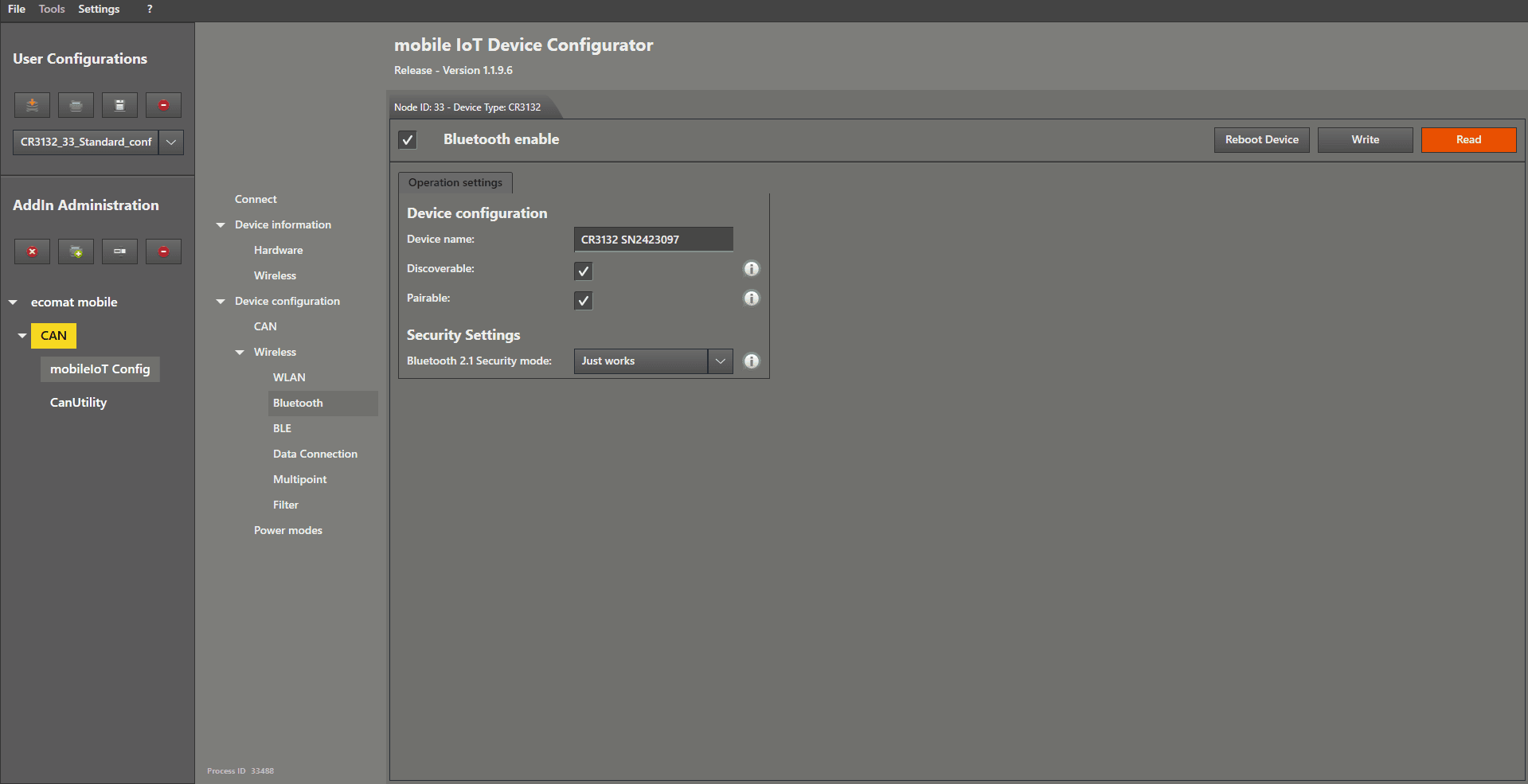
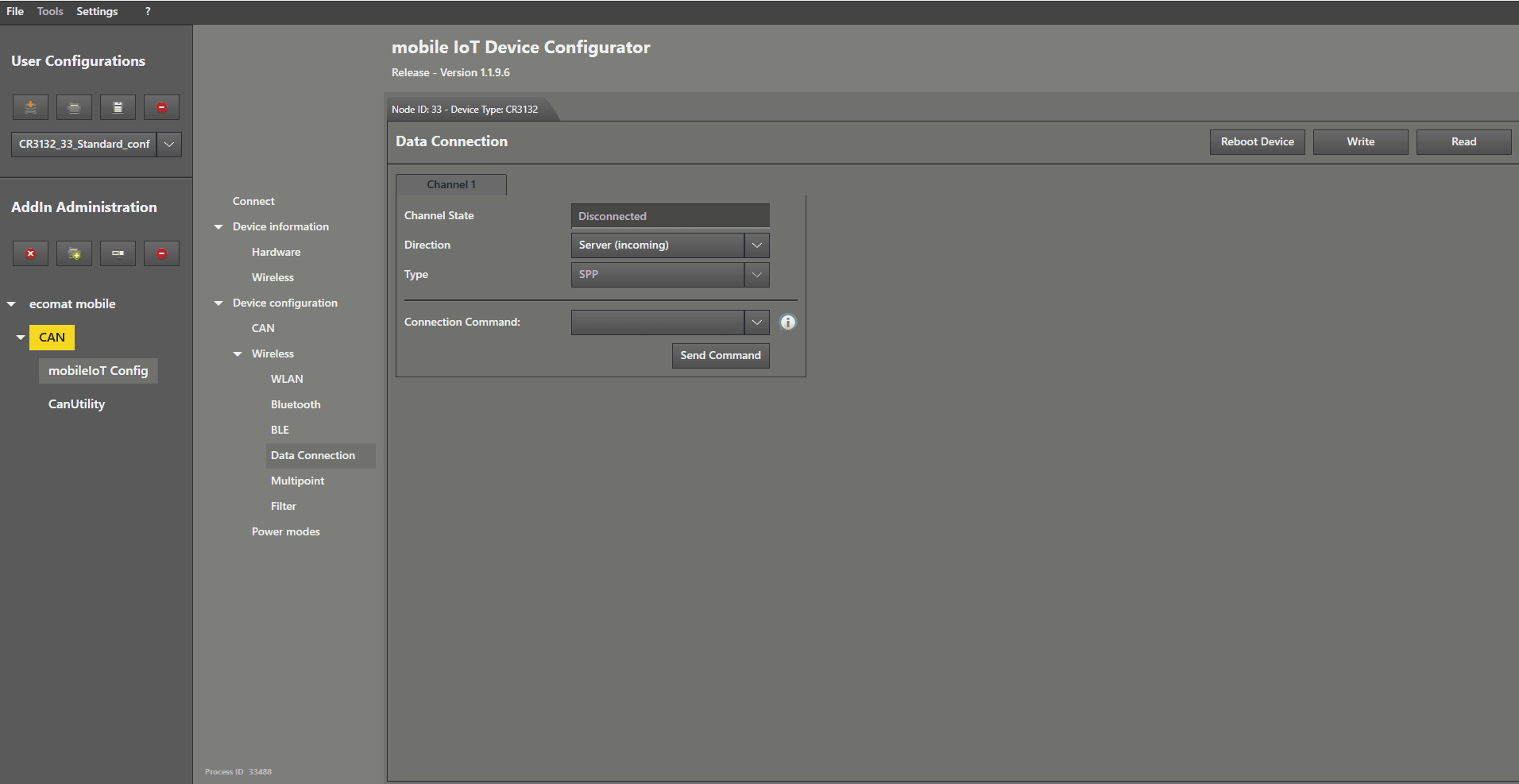
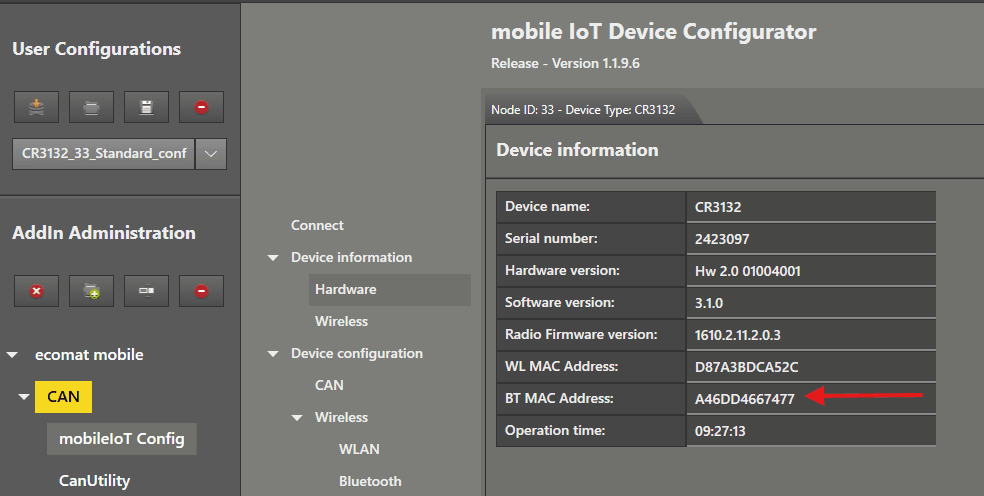
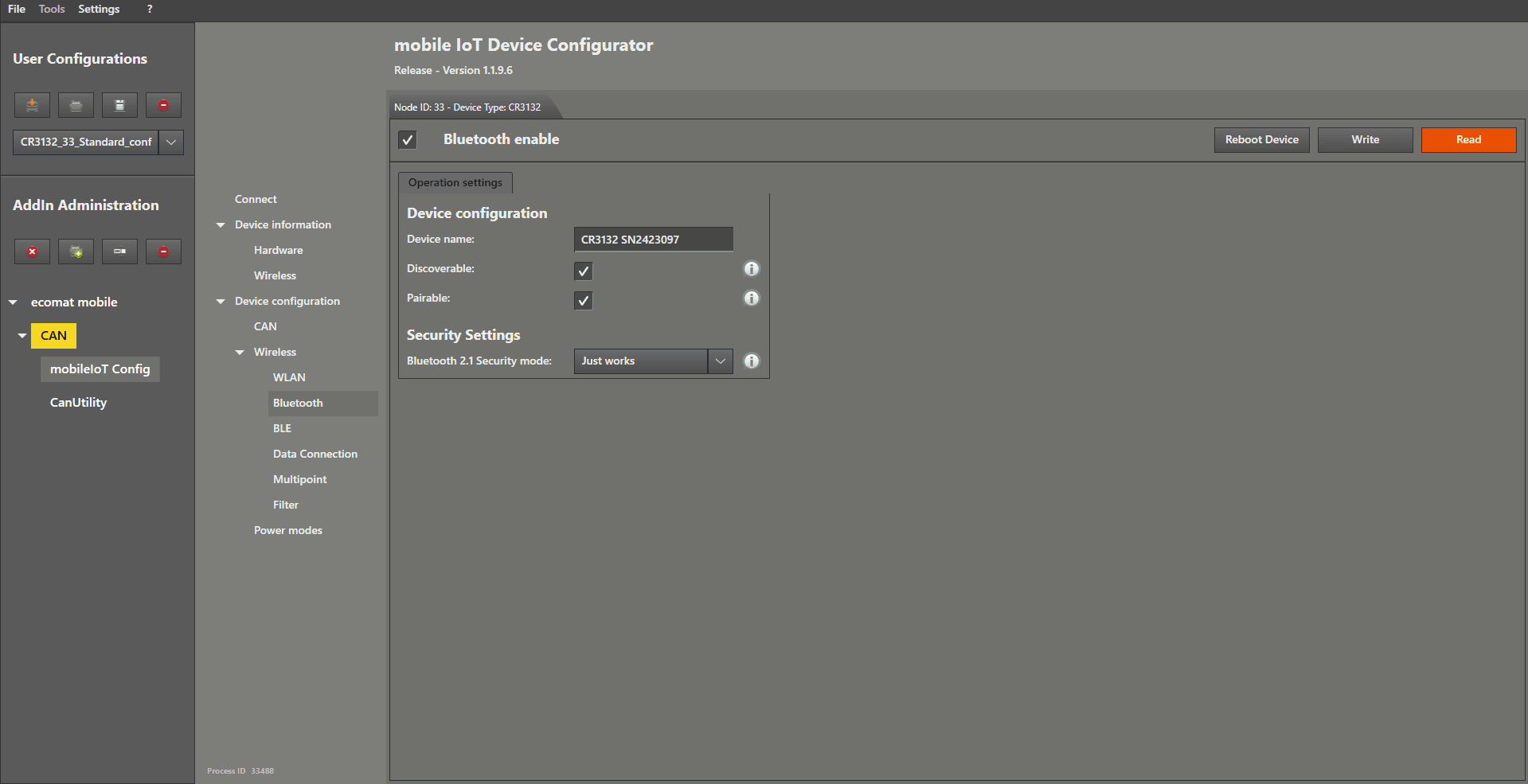
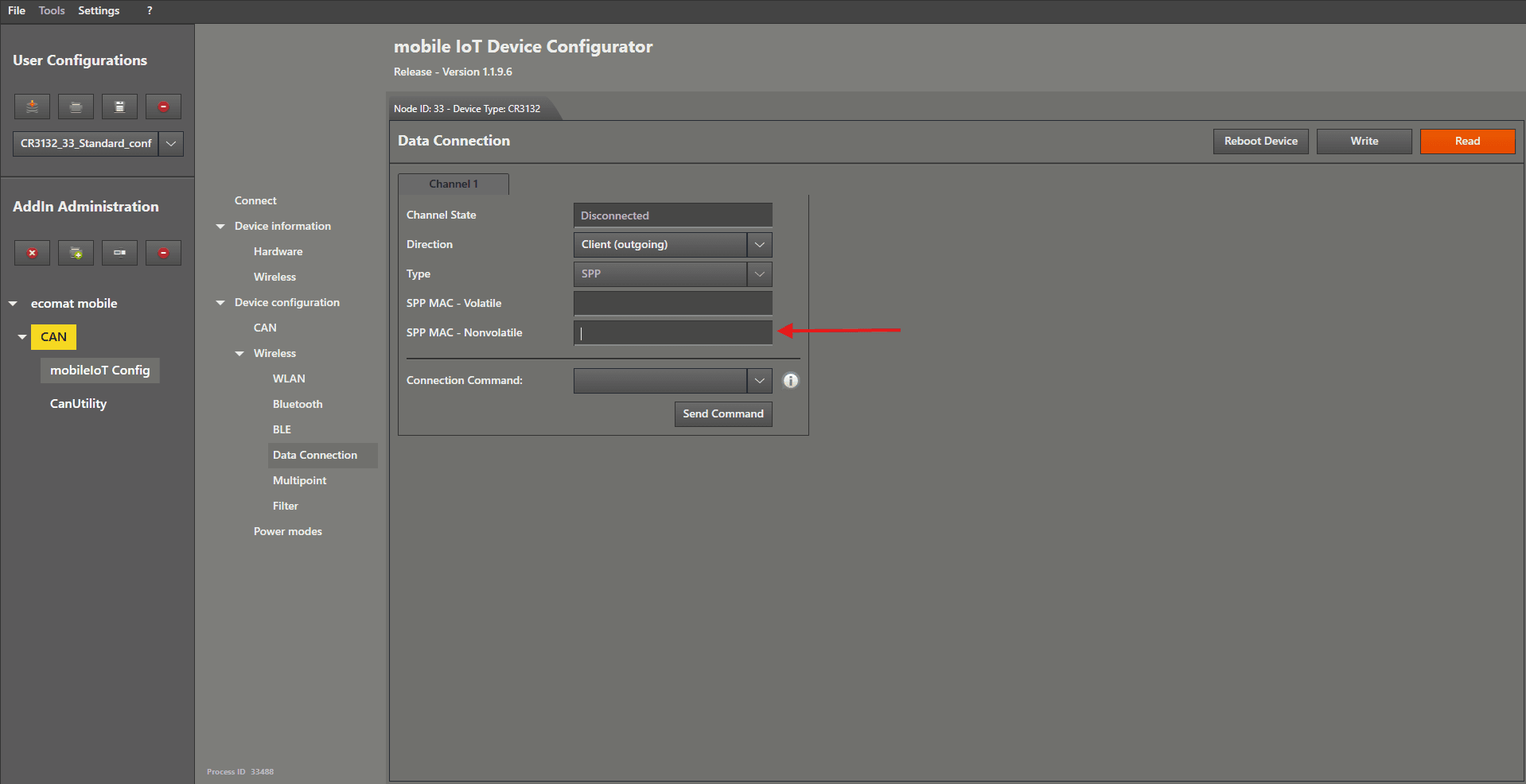
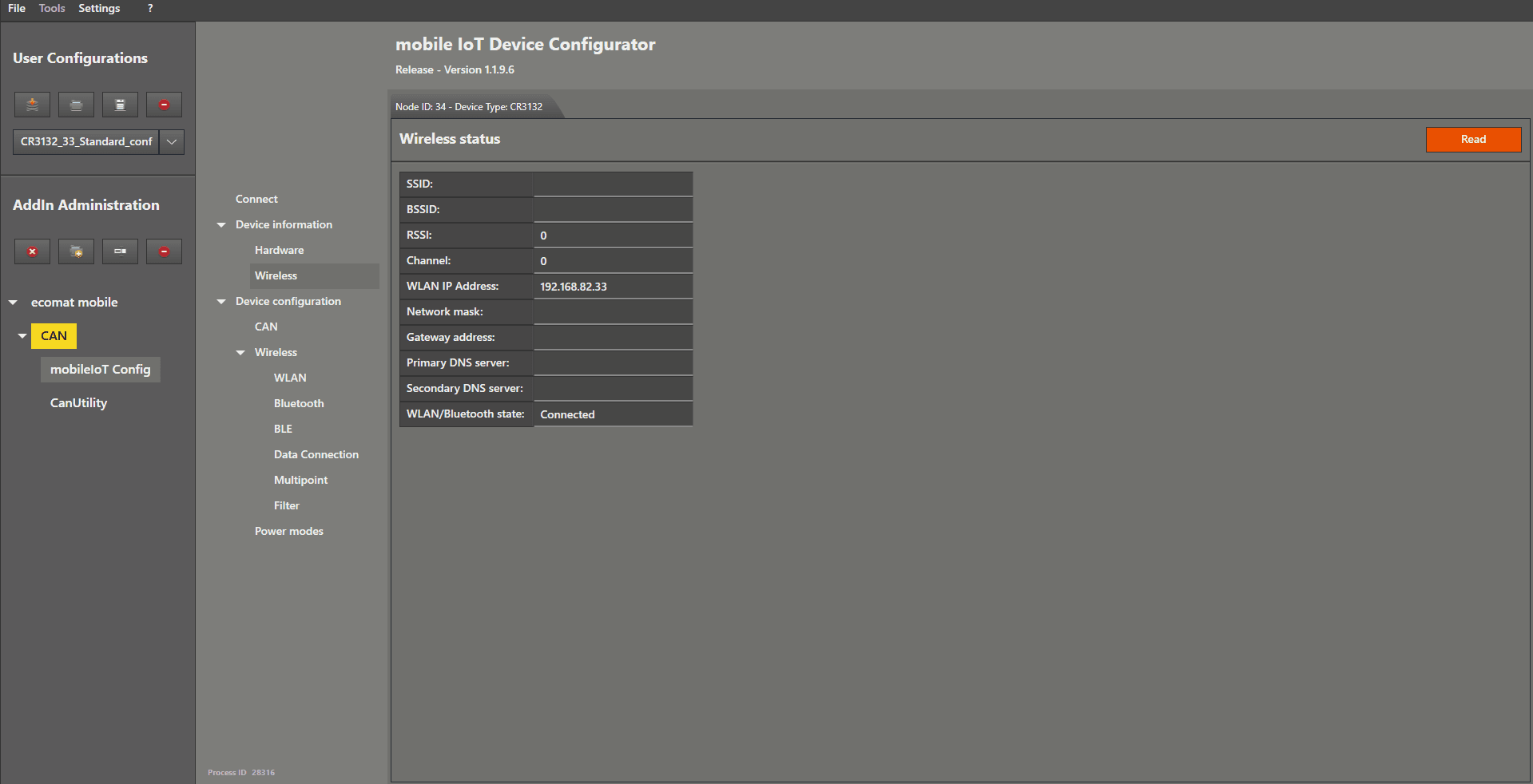
Bluetooth Classic CAN Bridge Mode This guide explains how to connect two CANwireless devices using the Bluetooth Classic interface. We start by opening the Bluetooth settings with a left mouse click on the entry in the menu. Now check the box in the top-left corner of the settings window to enable Bluetooth . The remaining settings can be left at their default values . Then left mouse click the “ Write ” button. Next, we move to Data Connection in the menu to start the SPP server. Open it by left mouse clicking on “ Data Connection ”. Check whether the values match those shown in the picture below. Then left mouse click the “ Write ” button. The server is now configured and can be restarted or disconnected . Before disconnecting the server device, open the Hardware tab by left mouse clicking on it in the menu. Here you will find important information for the client configuration . Copy the Bluetooth MAC address to your clipboard so you can use it later during the client setup. Now connect the second device, so you can begin configuring your Bluetooth client . We again open the Bluetooth settings by left mouse clicking on the entry in the menu. Now check the box in the top-left corner of the settings window to enable Bluetooth . The remaining settings can be left at their default values . Then left mouse click the “ Write ” button. Next, we move to Data Connection in the menu to connect to the SPP server. Open it by left mouse clicking on “ Data Connection ”. Left mouse click on the dropdown menu on the right-hand side of “ Direction ” and choose “ Client (outgoing) ”. Now enter the Bluetooth MAC address that you copied to your clipboard into the text field on the right-hand side of “ SPP MAC – nonvolatile ”. Then left mouse click the “ Write ” button. Reboot the client device , then reconnect the server device . Ideally, do not connect both devices to the same CAN‑Bus . If the bridge establishes a connection while both are on the same CAN‑Bus, a communication loop may occur. You can check the connection status by left mouse clicking on the “ Wireless ” menu item located below “ Hardware ” in the menu.